Ceeq AI Assistant
“A voice on your website that answers, guides, and captures leads.”
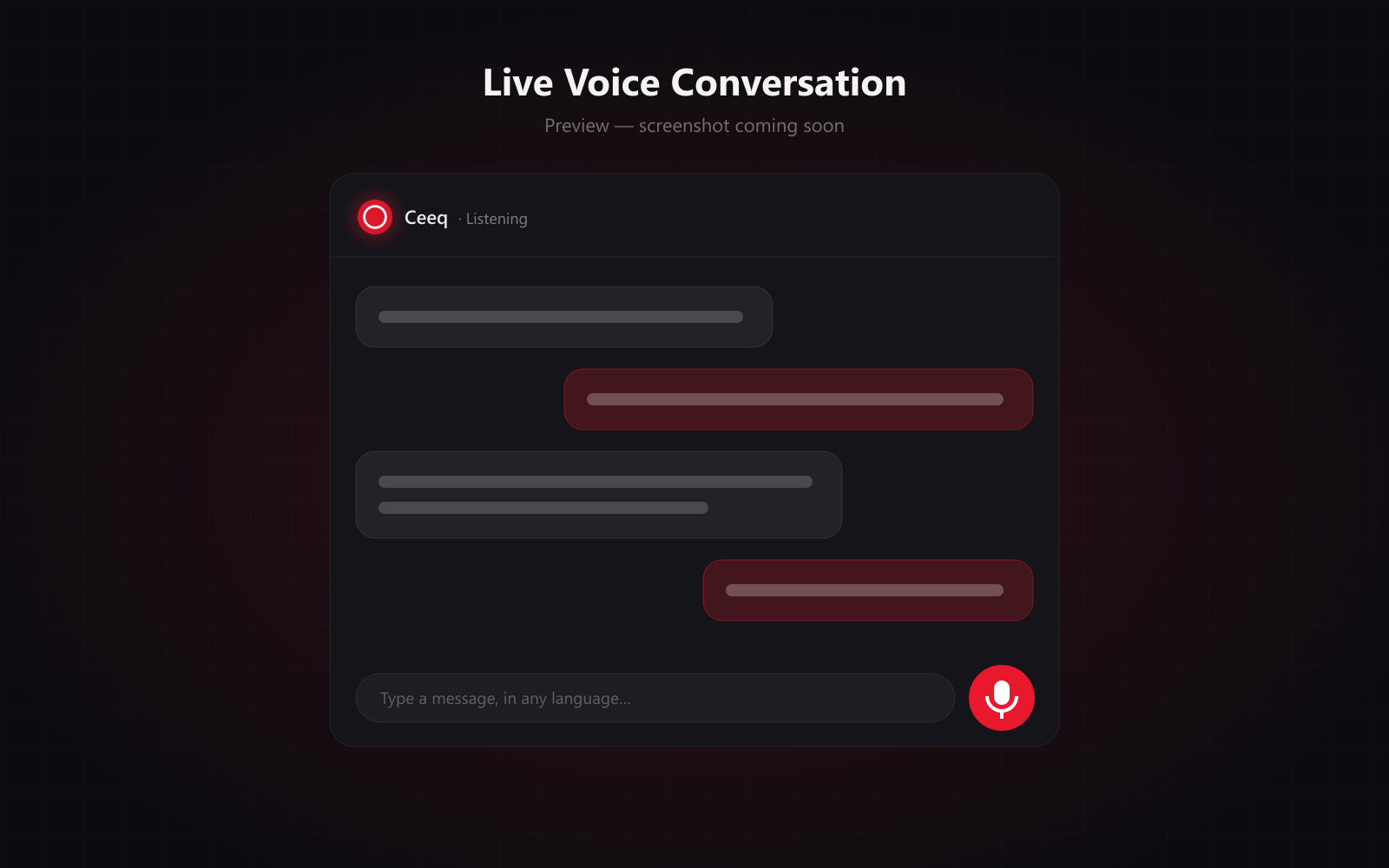
Ceeq AI Assistant is the voice assistant you can talk to right here on codeeaq.com. Visitors tap the mic and have a natural, spoken conversation: Ceeq answers from your own business knowledge, switches language the moment they do, and shows clickable cards to the right pages instead of reading out web addresses. When a visitor is interested, Ceeq collects their name, email, phone, WhatsApp, preferred callback time, and requirement one question at a time, confirms the details back, and submits a verified lead to your team. It integrates into any web or mobile application and is trained on your products, services, and tone.
Voice Sample
Hear Ceeq speak
Press play to hear the voice your visitors will talk to, or start a live conversation with her right now.
Ceeq introduces herself
What's Inside
Key Features
Real-Time Voice
Visitors talk naturally and Ceeq answers straight away in a warm, human-sounding voice. Interrupt her at any point and she stops to listen.
Lead Capture
Ceeq collects name, email, phone, WhatsApp, callback time, and requirement one question at a time, reads them back, and checks the email and phone format before submitting the lead.
Any Language
The moment a visitor switches language, Ceeq switches too, in both words and voice, and stays in it until they change again.
Any Web or Mobile App
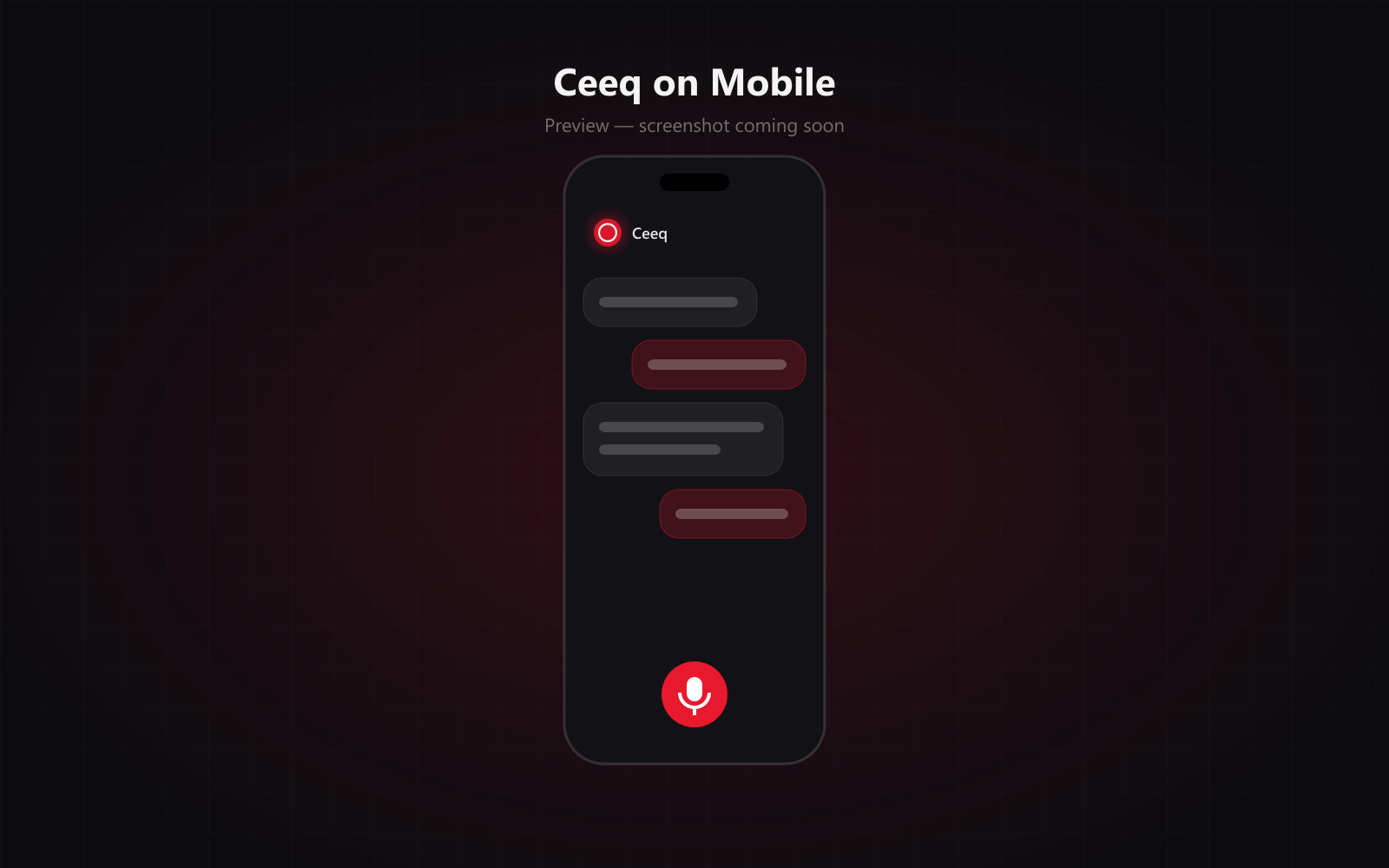
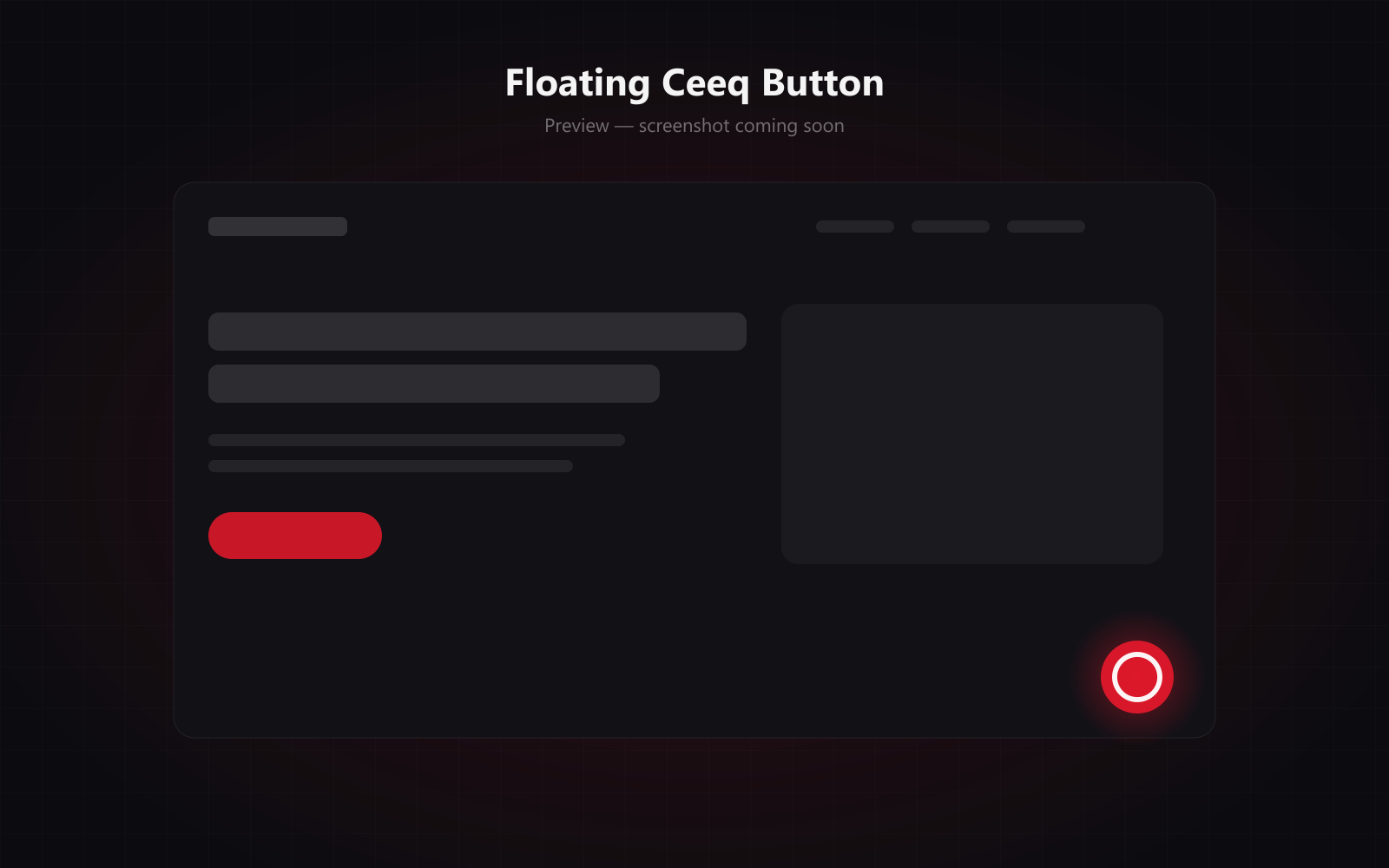
Ceeq integrates into any website or mobile application as a floating button and voice panel, styled to match your brand.
Clickable Page Links
When Ceeq mentions a service or product, a link card to that page appears in the chat. Links come from a fixed list of your real pages, so they never break.
Trained on Your Business
Ceeq answers only from your own knowledge base, hands pricing questions to your team, and stays on topic instead of guessing.
Talk or Type
Everything is transcribed on screen as it's said, and visitors can type instead of speaking, which helps when spelling out an email address.
Smart Follow-Ups
Ceeq checks in when a visitor goes quiet, asks once for contact details before they leave, and closes idle sessions on her own.
Secure & Private
Your API key never reaches the browser, each conversation uses a single-use token, and per-visitor rate limits curb abuse. Only the lead details a visitor chooses to share are stored.
App Gallery
See it in action
Explore the screens that power Ceeq AI Assistant.
Floating Ceeq Button
Delivery Process
How We Build It
Knowledge & Voice Setup
Your services, products, and FAQs become Ceeq's knowledge base, and we tune her greeting, tone, and sales approach to your brand.
Lead Fields & Routing
We agree what Ceeq collects from each visitor and where every lead lands: your database, CRM, inbox, or WhatsApp.
Embed & Brand
Ceeq goes into your website or mobile app as a branded button and voice panel, with link cards mapped to your real pages.
Test & Launch
We test conversations across languages, devices, and browsers, then go live with rate limits and abuse protection in place.
Knowledge & Voice Setup
Your services, products, and FAQs become Ceeq's knowledge base, and we tune her greeting, tone, and sales approach to your brand.
Lead Fields & Routing
We agree what Ceeq collects from each visitor and where every lead lands: your database, CRM, inbox, or WhatsApp.
Embed & Brand
Ceeq goes into your website or mobile app as a branded button and voice panel, with link cards mapped to your real pages.
Test & Launch
We test conversations across languages, devices, and browsers, then go live with rate limits and abuse protection in place.
Other Products